
iPhone and iPad · no account
Log your sets. On Sunday, see if it's working.
GymLog fills in every set from last time, shows each lift on video, and every Sunday gives you a verdict on the week, the evidence behind it and one change for next week.

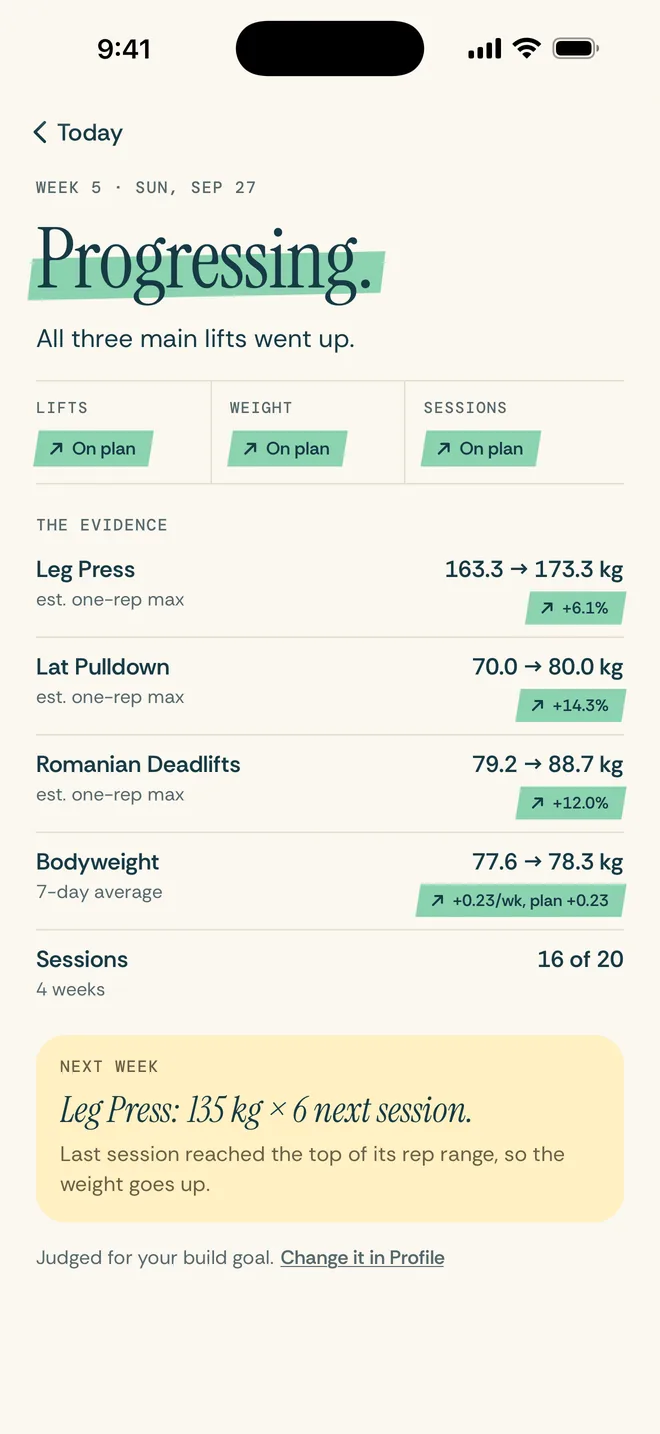
Every Sunday
Am I progressing? One honest answer a week.
The check-in reads your lifts, your bodyweight and your sessions against your own goal, and says it plainly, from Progressing to Stalled, with one sentence of why.
Ready Sunday evening with a reminder. Your first verdict comes in week 3; until then it says Too early, and why. Share a verdict as a picture, with no bodyweight numbers and nothing you ate.
Week 5 · Sunday
All three main lifts went up.
Lifts
↗ On planWeight
↗ On planSessions
↗ On planNext week
Leg Press: 135 kg × 6 next session.
At the rack
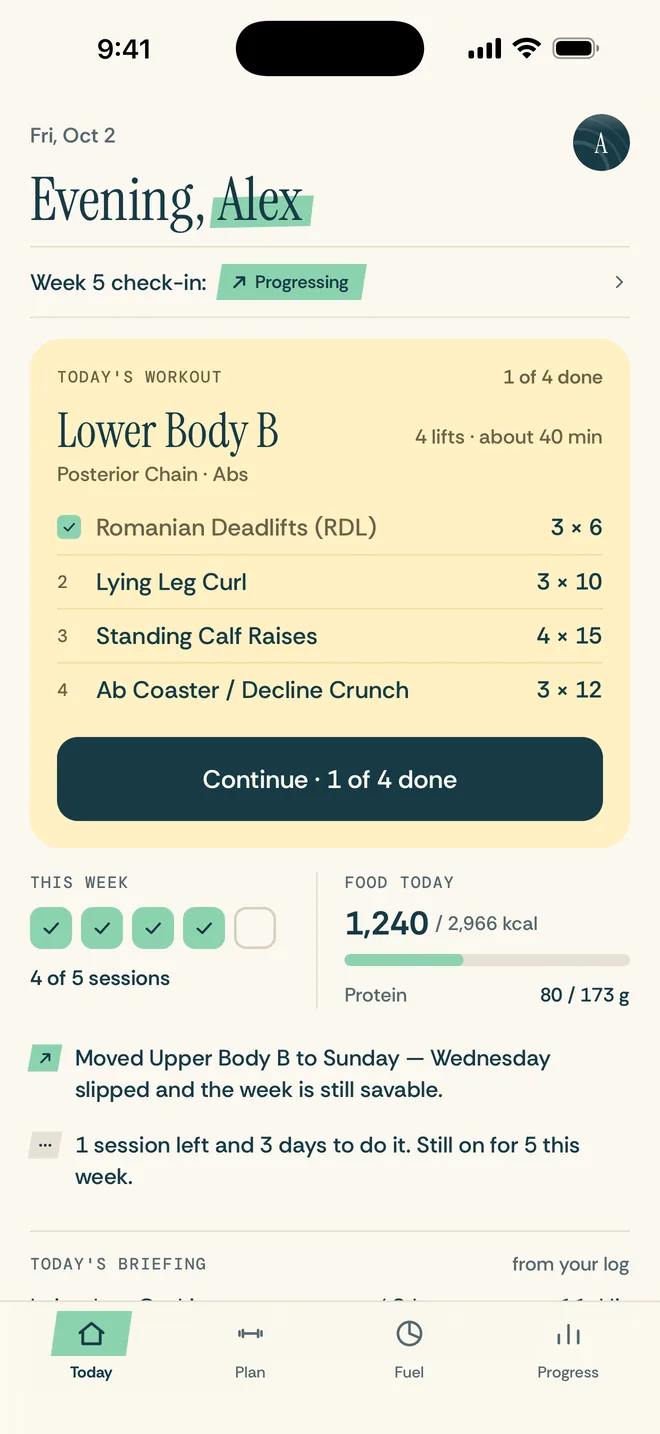
Every set arrives filled in.
Today's target sits beside what you did last time. Tap Done and the rest timer starts, sized to the lift.
Prefilled from last time
Weight and reps, in kg or lb. When today's target is right, one tap logs the set. Bodyweight moves take reps only.
A rest timer that knows the lift
3:00 after compound lifts, 1:30 after isolation, with +30s and Skip.
Swap a lift on the day
Bench taken? Swap it for today, or for every week after.
A finish card
Sets, volume, estimated calories, any new records and your next weight for that session.
Incline Dumbbell Press
Plans that adapt
A plan that moves when you do.
Five programs, 3 to 6 days a week, built around your equipment, injuries and experience. Only dumbbells, or no weights at all? You still get a plan. Or build your own routine from the muscles you want to train.
See the lift
The lifts, on video.
Licensed exercise videos from Your Move for 48 of the 50 lifts in the programs, with the steps, what to watch out for and the muscles it works. A library of 859 exercises, 347 with video, plus 25 warm-up and cool-down moves.
Fuel
Calories and protein, in your cuisine.
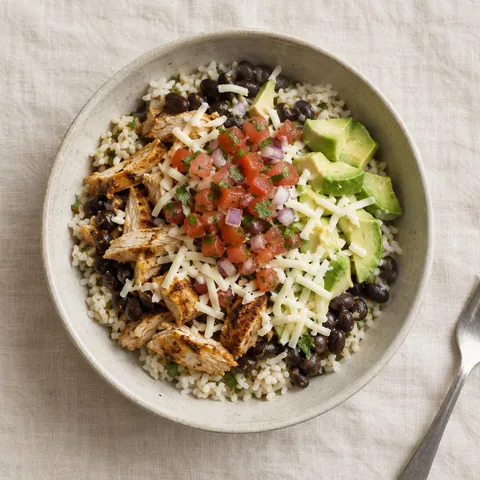
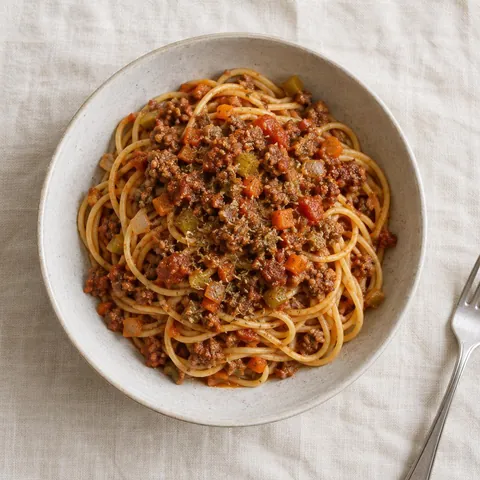
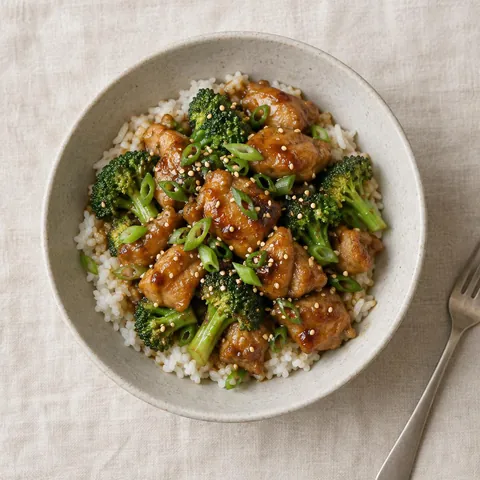
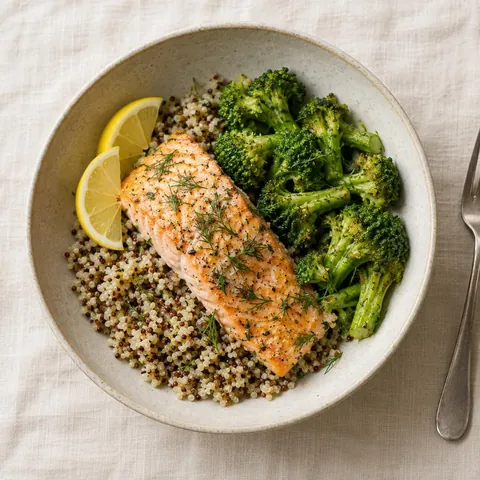
Targets worked out from your body and your goal, with 2 to 2.2 g of protein per kilo of bodyweight. 135 dishes from six cuisines, each with its recipe and its nutrition from USDA FoodData Central, a day of meals planned in your cuisine, food search and a barcode scanner.


Apple Health
Recovery, against your own usual.
Connect Health and your weigh-ins feed your calorie target and your check-in. Resting heart rate and HRV sit beside your own 30-day usual, and the briefing tells you when to ease off. Nothing changes your workout by itself.
Progress photos
Week 1 against now.
Front and side, with last time's photo as a faint guide so you stand in the same spot. They stay on your phone, out of iCloud backups, and are never uploaded.
Progress
Watch the numbers climb.
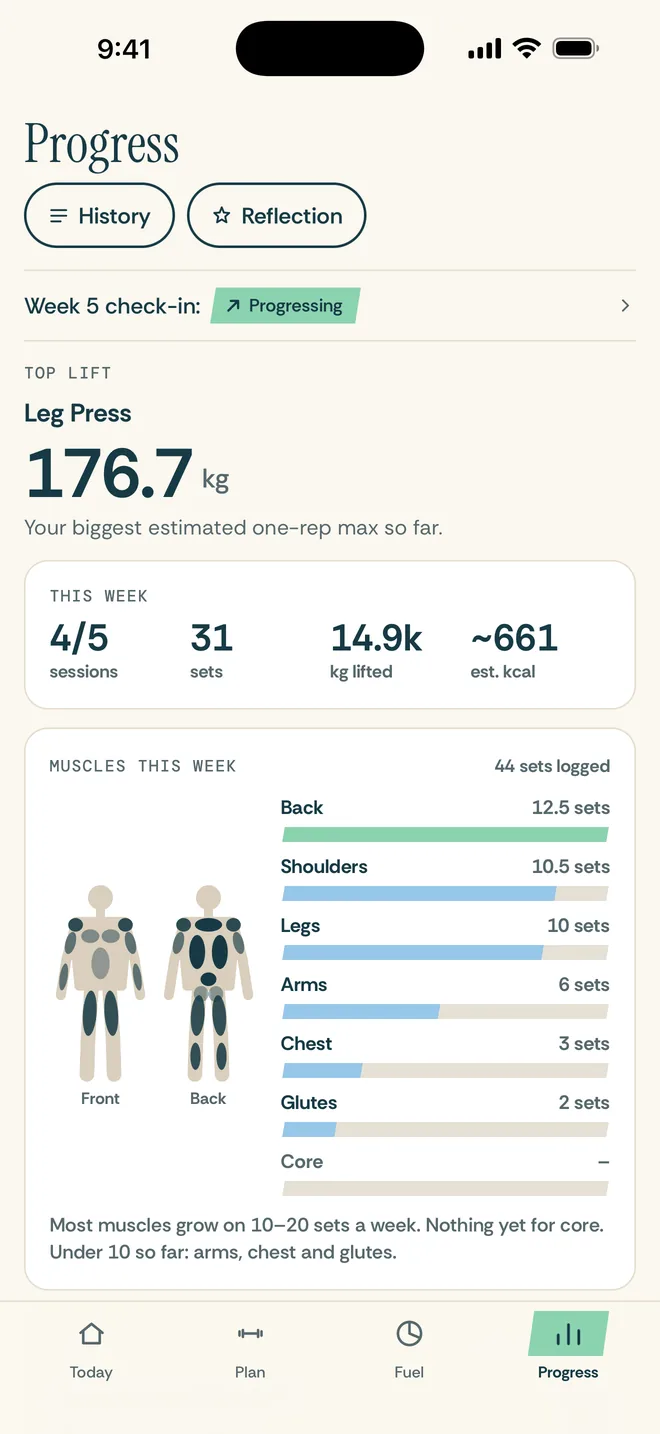
Every lift's estimated one-rep max on a chart, your records, a map of the muscles you trained this week, your bodyweight trend and every day of your history.
Yours
No account, nothing to sign up for. Your log stays on your phone, backs up to a file you keep, and is never used to target you. Coming from Hevy or Strong? Bring your history with you.
Questions
Is GymLog free?
GymLog is free to download, and after the one-minute setup it needs GymLog Pro, a monthly or yearly subscription. The yearly plan starts with a free month for new subscribers. Pro is everything: every set logged, your next weight on each one, a plan that adjusts itself, the Sunday check-in, the exercise videos, meals and recipes, and all your history. No account.
Does it use AI?
No. Your plan, the weight jumps and the Sunday check-in follow fixed rules, and the app's Sources page shows where each number comes from.
What happened to the voice coach?
Version 1.3 retired it. GymLog no longer listens or talks: you log by tapping, and the Sunday check-in tells you how the week went.
Can I bring my history from another app?
Yes, from Hevy or Strong. Export your workouts in that app (Hevy: Settings, Export & Import Data, Export Data, Export Workouts; Strong: Settings, Export Strong Data), then choose the file in GymLog, on the welcome screen or in Profile. Your dates, lifts, weights and reps come in, and the file is read on your phone.
Do I need an Apple Watch?
No. Apple Health is optional. With a watch, resting heart rate and HRV show on Today against your usual.
Can I train at home?
Yes. There are Home Dumbbell and Bodyweight programs, and every lift adapts to the equipment you have.
Where does my data go?
Your training log stays on your phone. Exercise videos and food lookups go through GymLog's server and carry only the exercise or the food, never your log. The details are in the privacy policy.
Android?
iPhone and iPad for now.
One useful training email a week.
What we learn building GymLog: programming, protein, plateaus. No spam, and you can unsubscribe any time.
The gym log that feels good to open.